Sixty-seven bite-sized lessons that take you from downloading Blender to modelling, texturing and animating your own 3D scenes. No prior 3D experience assumed.
Built for absolute beginners - nothing is assumed
Blender itself is free and open source
Short, hands-on lessons - most are under five minutes
Watch free for a month with my referral link
Free for a month with my referral link, then a Skillshare membership.
Download Blender for free
Blender is a free, open source 3D creation suite. You can use it to model objects, build materials and textures, animate scenes, and render finished images and video - for hobby projects, YouTube, games, 3D printing or architectural visualisation. It is a genuinely enormous program, which is exactly why a structured path through the basics matters more than a pile of unrelated tutorials.
67 lessons over 3h 12m, ordered from the very basics upwards.
Downloading Blender, setting it up, and what you are looking at when it opens. Two lessons, and the only thing you need before them is a computer.
The user interface, the 3D view, render engines, the Outliner and Properties panel, creating and transforming objects, cameras, and rendering your first image. Thirteen lessons that get you all the way to a finished render.
The biggest section: Object versus Edit Mode, vertices, edges and faces, insetting and extruding, loop cuts, normals, bevelling, the knife tool, reference images and proportional editing. Twenty lessons that let you build anything you can picture.
The Material Properties panel, creating and assigning materials, what each property actually does, subsurface scattering, designing a metallic material, and assigning several materials to one model.
Where to get free seamless textures, using image textures in materials, UV mapping and the UV Editor, and normal maps for detail you did not have to model. Ends by building a gemstone material.
The Timeline, creating and viewing keyframes, adjusting their timing, recording them automatically, interpolation modes, animating the camera and several objects together, and exporting a finished video.
Two class projects to apply the lot, with somewhere to post what you made and get feedback rather than finishing the videos and forgetting it all a week later.
Complete beginners who have never opened a 3D program
2D designers and motion designers adding 3D to their toolkit
Anyone transitioning to Blender from another 3D application
Video editors and VFX artists who want to build their own 3D assets
67 lessons, 3h 12m, from downloading Blender to an exported animation
Works with Blender 2.8 or later - recorded on 3.6
Course materials to download and follow along with
Two class projects and a Skillshare certificate when you finish
The course is the structured path, but it is not the only thing here. Surfaced Studio publishes free Blender tutorials covering modelling, materials, texturing, animation, simulations and rendering - most of them written for absolute beginners. Start with any of these, and take the course when you want the whole thing in order.
The starting point. Everything you need to get going with Blender, in a single beginner video.
Read the tutorial →
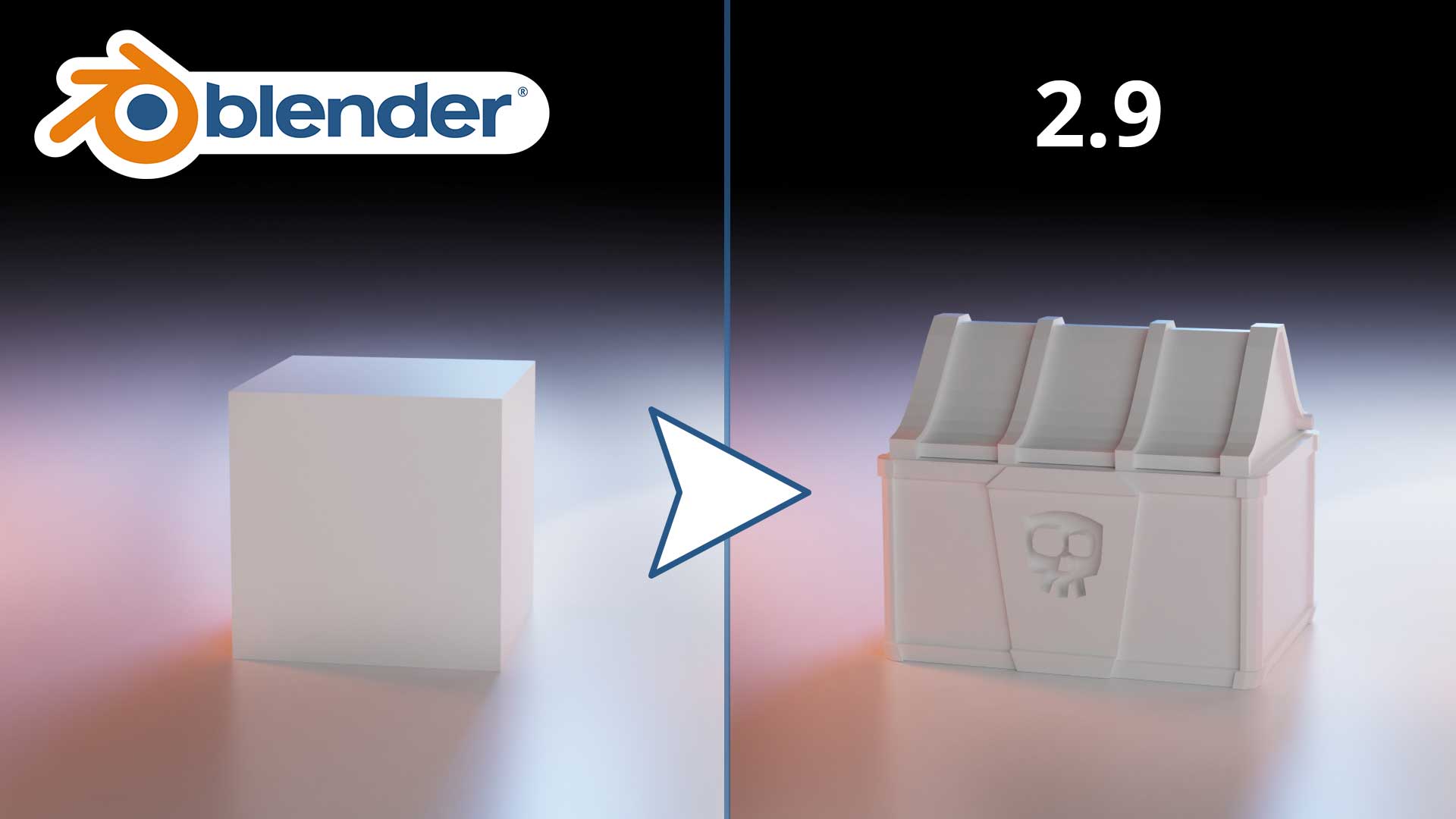
The essential modelling tools, and enough of them to build any object you can picture.
Read the tutorial →
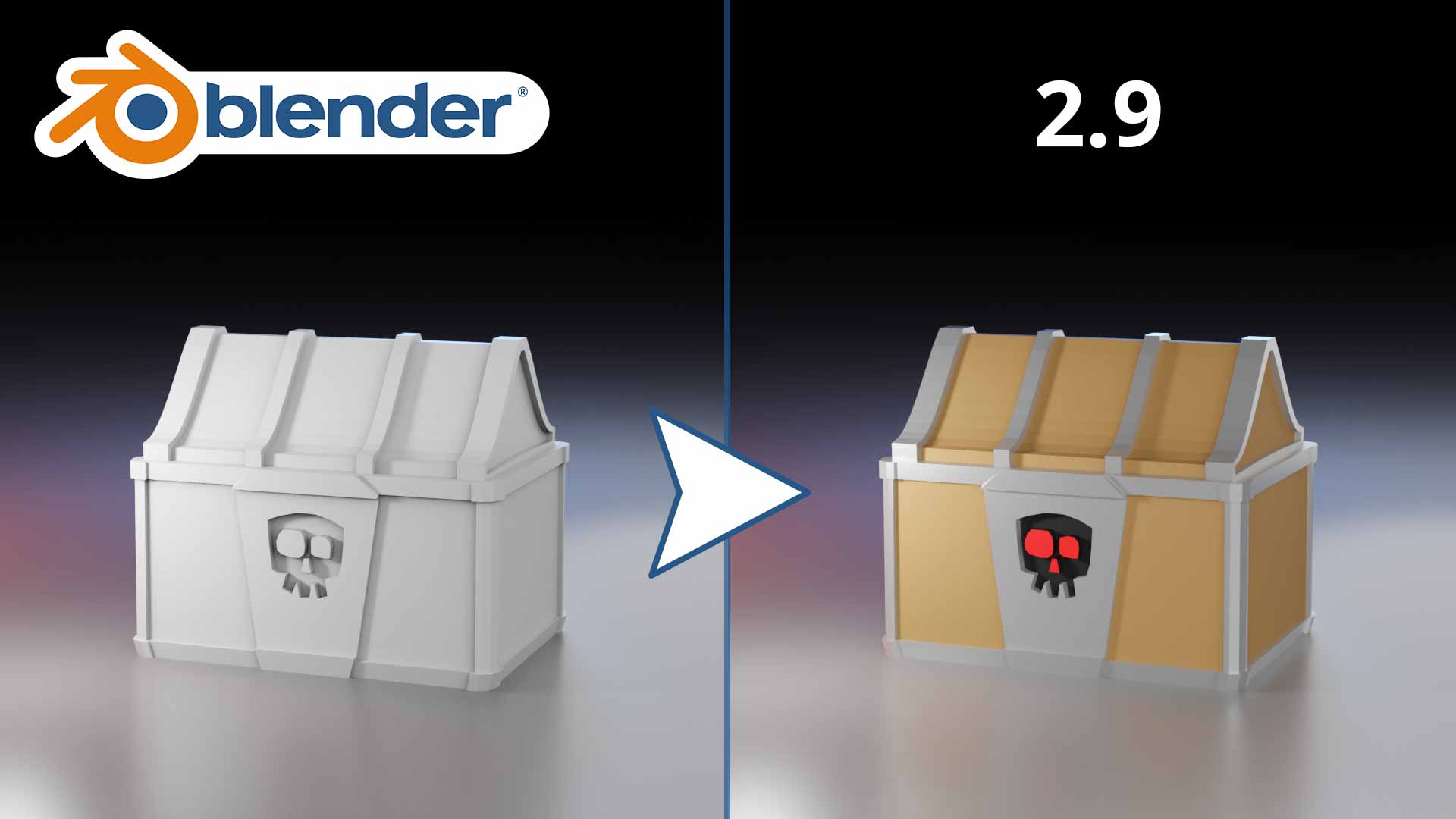
Creating, customising and assigning materials so your models stop looking like grey clay.
Read the tutorial →
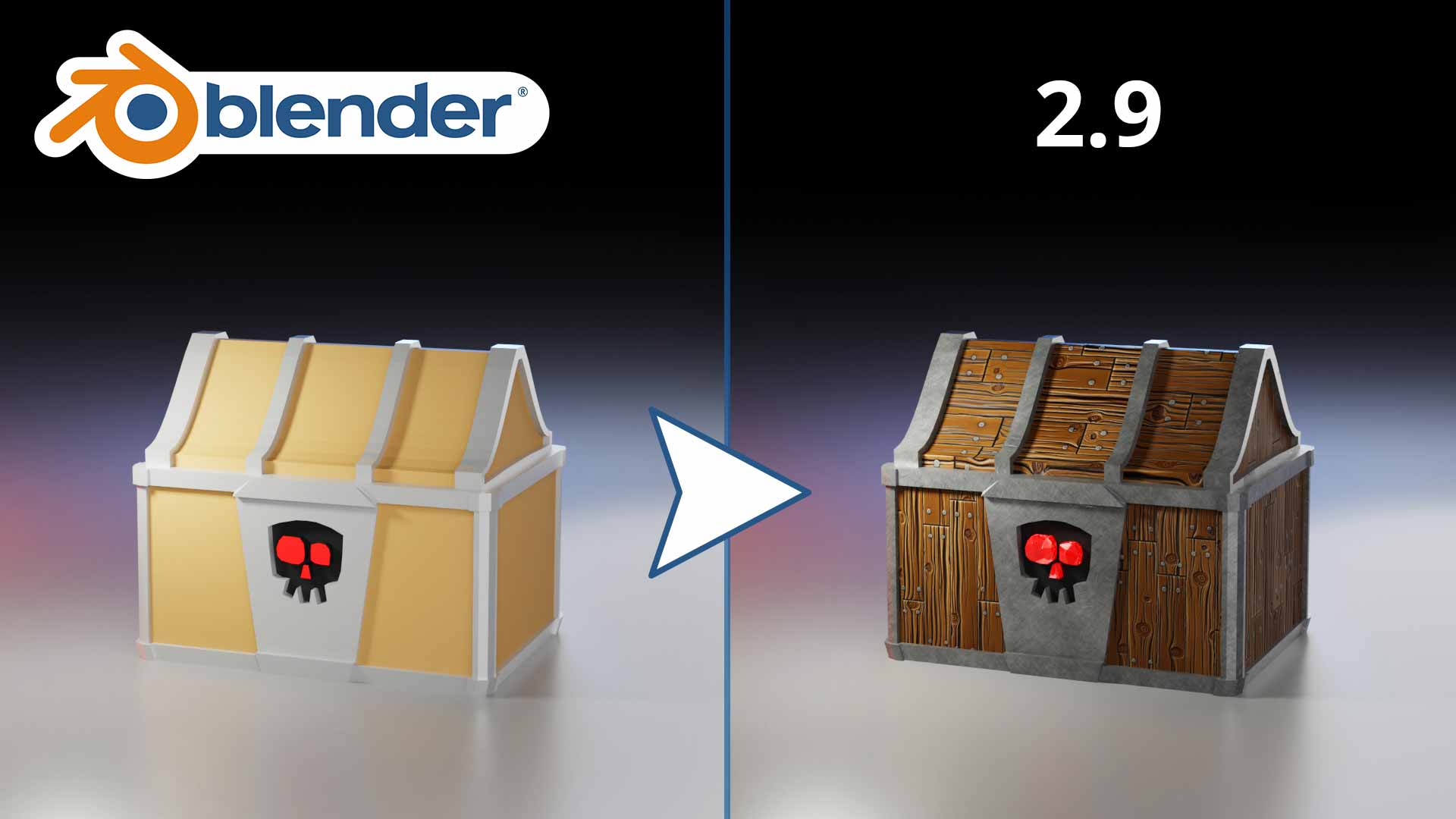
Getting real textures onto a model, and the UV work that makes them sit where you meant them to.
Read the tutorial →
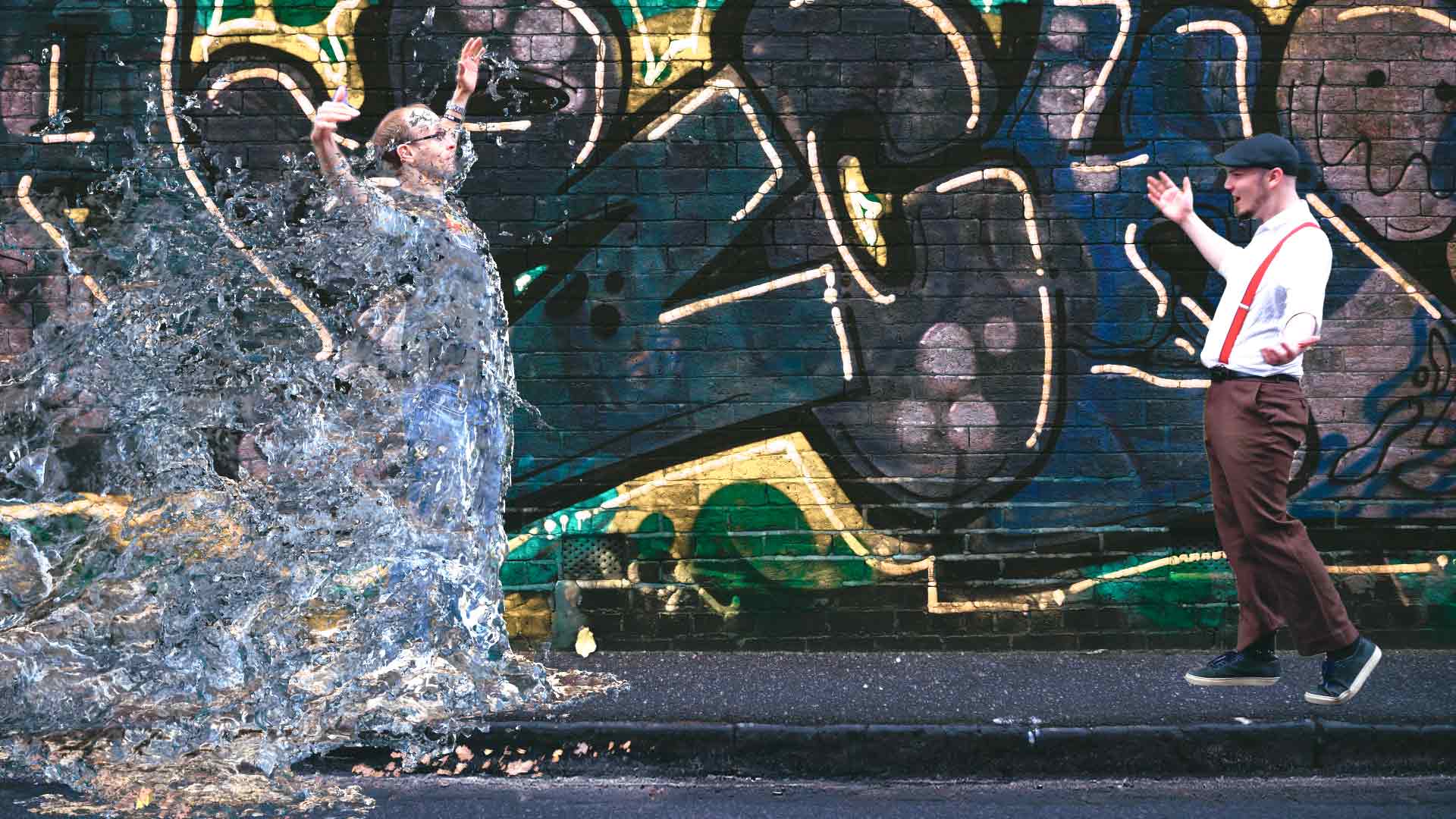
Blender's fluid engine end to end: domain, flow, resolution and baking a simulation that renders.
Read the tutorial →
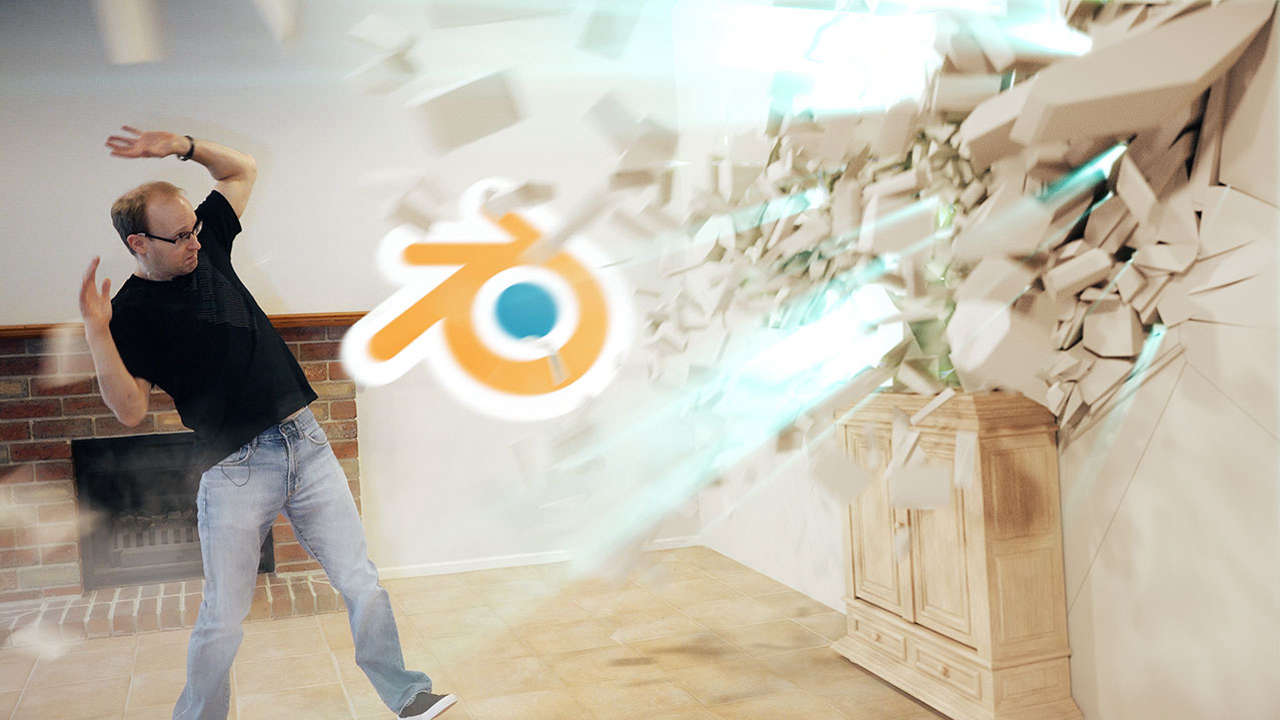
Breaking and shattering 3D objects with the free Cell Fracture add-on and rigid body physics.
Read the tutorial →
23 free tutorials, and counting. No sign-up, no paywall.
Reviews from students who took the course.
I am loving this course so far. Tobias is a great teacher, over the years he has helped me transition from a traditional graphic designer to a motion designer when I was about to quit the industry and now I am building the confidence to introduce 3D skills to my tool kit just from following along with this course.
Neerosh
This was THE best beginner Blender course I have seen. The course was easy to understand and didn't assume the viewer knew what different terms and concepts meant but explained everything in a way that even I was able to understand and learn from in a constructive way. Blender is a giant of a program and has so many facets that its easy to get overwhelmed but this course breaks it down in such a way as to make it enjoyable.
Astro
While other teachers have left me with a finished 3D scene and little understanding of the program I used to create it, Tobias' teaching style is focused on giving students a deep understanding of why the tools are being used in a certain way, and how to choose the tool for the task. I learned more than I expected during the course, and left with a much higher ability to use Blender for modeling and animation.
Bill
Tobias has always had a fun way of showing how to use different software and this Blender tutorial is a great introduction for learning basic tools, navigation, and different features, plus Tobias shows quite a bit of shortcuts so you can speed up your workflow and still have fun learning.
Eric
Amazing course. Everything is explained very well, it's also great to know what I'm doing while doing it. Thank you for sharing this with us!
Jana
As someone who used 2D CAD programs about 10 years ago, I found your lessons very easy to follow and understand. Picked up the basics in no time and was able to begin designing on my own.
Anonymous student
Yes, and I would encourage it. Surfaced Studio publishes free Blender tutorials at surfacedstudio.com/tutorials/blender - modelling, materials, texturing, animation, simulations and rendering. Work through a few, see whether the way I explain things suits you, and take the class if you want it all in one ordered path. My referral link also gives you a free month of Skillshare, so the class itself can cost you nothing.
No. The course is written for absolute beginners and does not assume you have used Blender or any other 3D program before. Every term and concept is explained as it comes up.
No. Blender is free and open source - there is no trial, no watermark and no paid tier. Download it and you have everything you need to follow along. The class was recorded on 3.6 and works with 2.8 or later.
Download Blender for free →Skillshare is a subscription learning platform - one membership gives you this class and thousands of others, rather than buying courses one at a time. My referral link gives you a free month, so you can watch the whole course without paying anything. After that it renews as a paid membership until you cancel, and you can cancel during the free month if you would rather not continue.
You lose access to the class, as with any subscription - this is the one real difference from buying a course outright. The class runs a little over three hours, so a free month is plenty of time to finish it, and a lot of the same ground is covered free on surfacedstudio.com and my YouTube channel.
Yes. The course materials are available to download so you can follow along, and the class sets two projects so you finish with something of your own rather than just watched videos.
No. This class covers the fundamentals, modelling, materials, texture mapping and animation. Rigging, fluid and smoke simulations and destruction are covered in the free tutorials on surfacedstudio.com instead.
Some of it, yes - and I am upfront about that. The class reorganises that material into a single ordered path, breaks it into short lessons you can actually work through, adds the course files and projects, and comes with a certificate at the end. If you would rather not subscribe to anything, the free tutorials above are genuinely free.
Ask in the class discussion on Skillshare. I answer student questions there, and I would rather you finish the course happy than quietly give up on it.
67 lessons, 3h 12m, and the course files - free for a month with my referral link.
Free for a month with my referral link, then a Skillshare membership.
